trap.nz Quick Actions – Website Guide
trap.nz has introduced new Quick Action features. These allow you to quickly record:
-
One-off catches
-
One-off observations
-
Installation servicing
Accessing Quick Actions
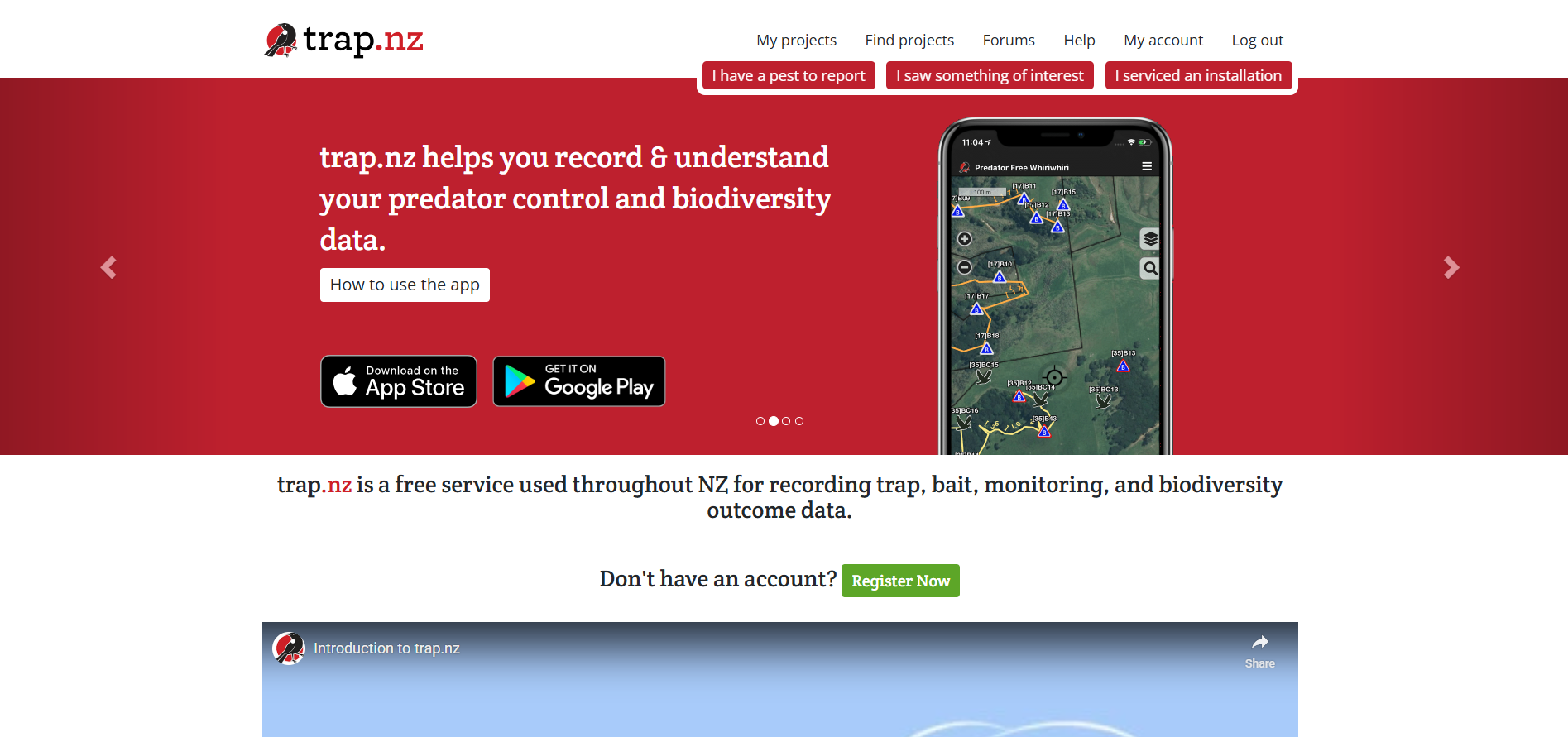
When you sign in to the trap.nz website (before opening a project), you will see three new tabs:
- I have a pest to report
- . I saw something of interest.
- I serviced an installation
On the right-hand side, you will also see quick links to:
-
See how my project is going
-
View my catches
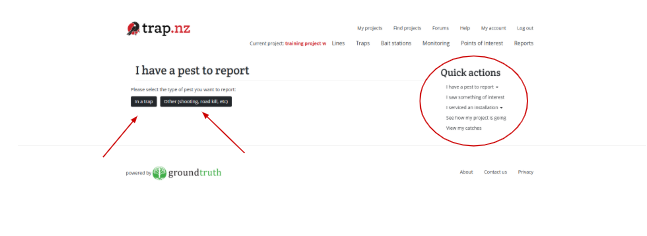
I have a pest to report
Click “I have a pest to report” to log a catch.
You can choose:
-
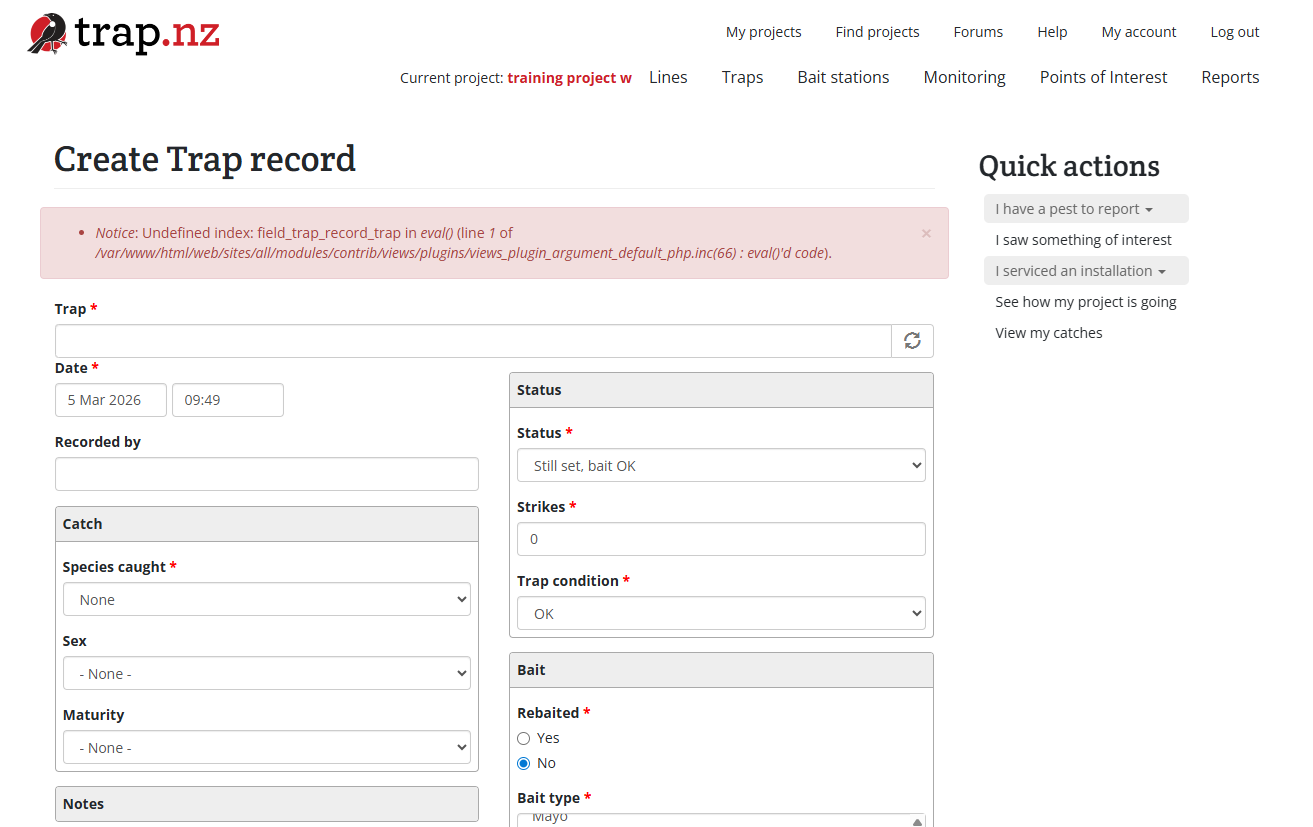
In a trap – Opens the standard trap catch form. Complete and submit the form as usual.
-
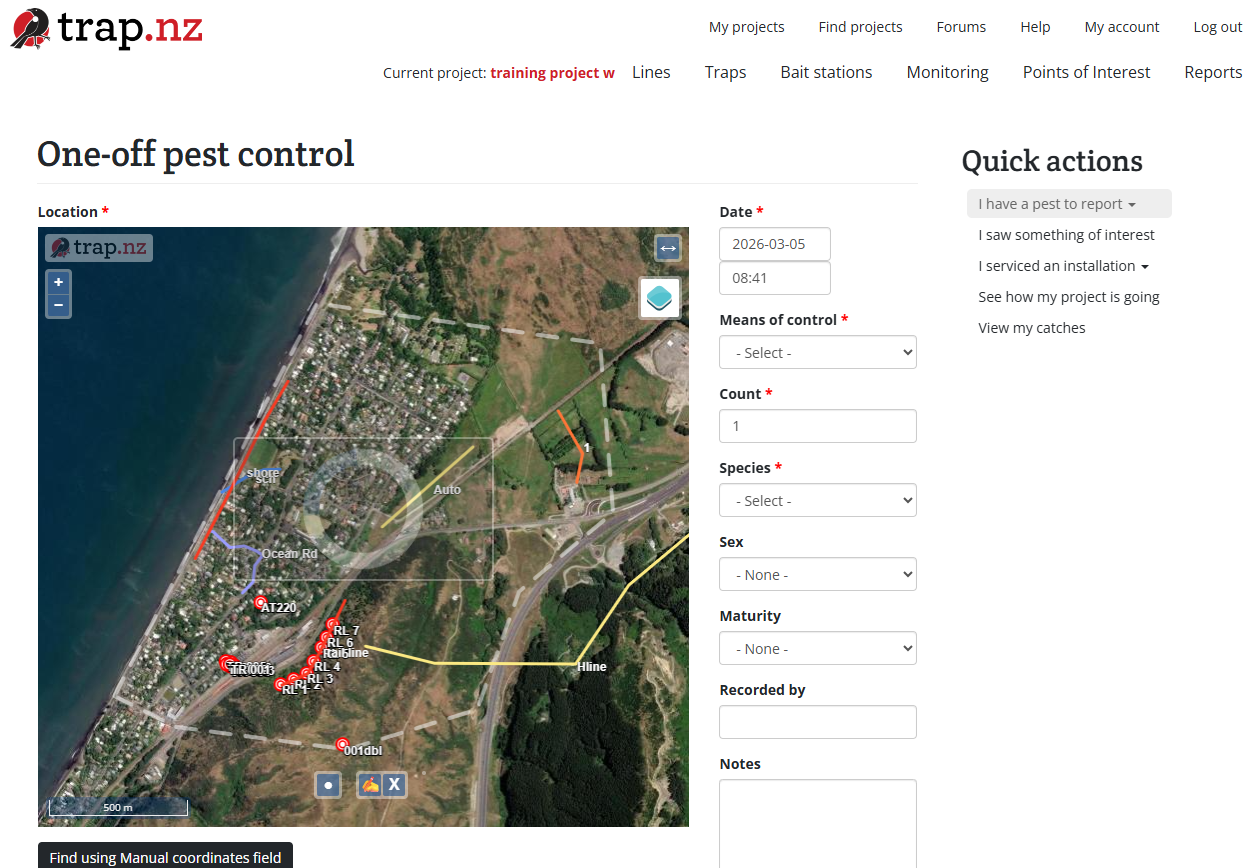
Other (one-off) – Opens a one-off catch form.
You can also use the quick links to:
-
View your project’s catch tally
-
See your personal catch report
Click on the “in a trap” and it will open the trap record catch form. Complete the form
By selecting “other” you can add “one-off” catches
I saw something of interest
Selecting “I saw something of interest” opens a form to record a one-off observation.
This feature allows you to log sightings of:
-
Pests
-
Native species
-
Animals of interest
The key advantage is that you can record sightings without needing to create a monitoring station.
I serviced an installation
Click “I serviced an installation” to record maintenance or servicing.
You will:
-
Select the installation type.
-
Be taken to the appropriate servicing form.
-
Complete and submit the record.
See how my project is going
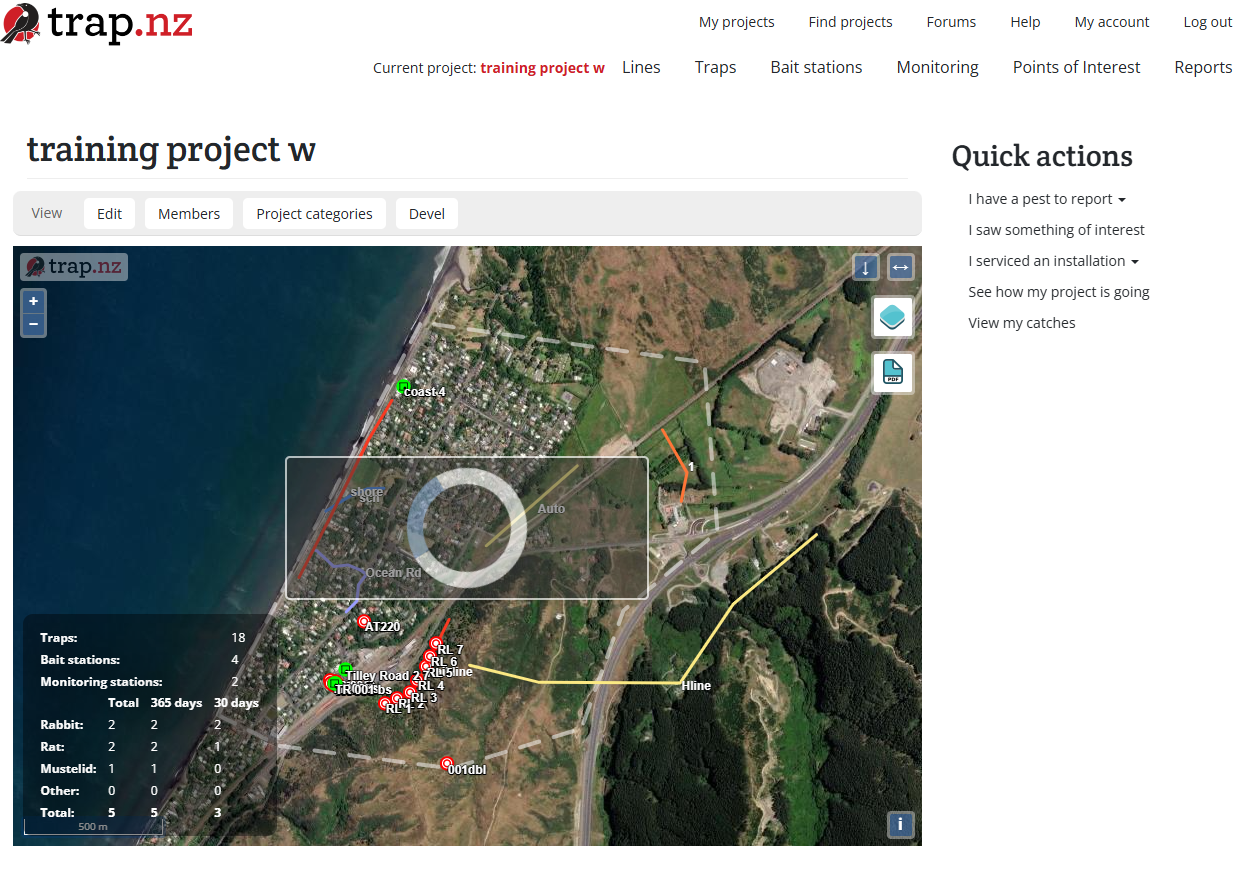
Selecting “See how my project is going” opens the project landing page, where you can view:
-
The project catch tally
-
The project map
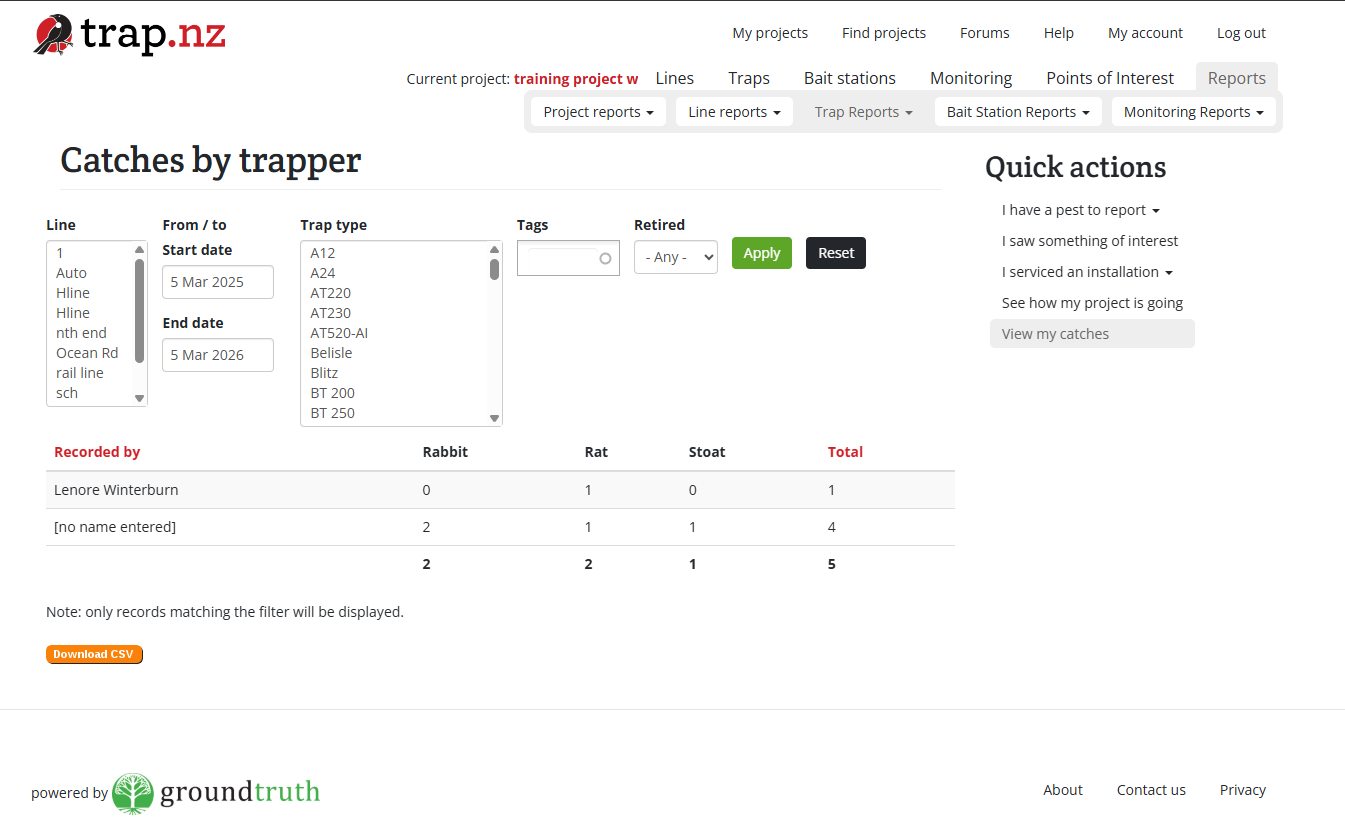
View my catches
Choosing “View my catches” opens a report displaying all catches recorded by you personally.